Skip to content
slohmaier.com logo

Professional apps and accessibility tools available at slohmaier.com

Recent Posts

400m at the Rolf Watter Sportfest in Regensburg 2026

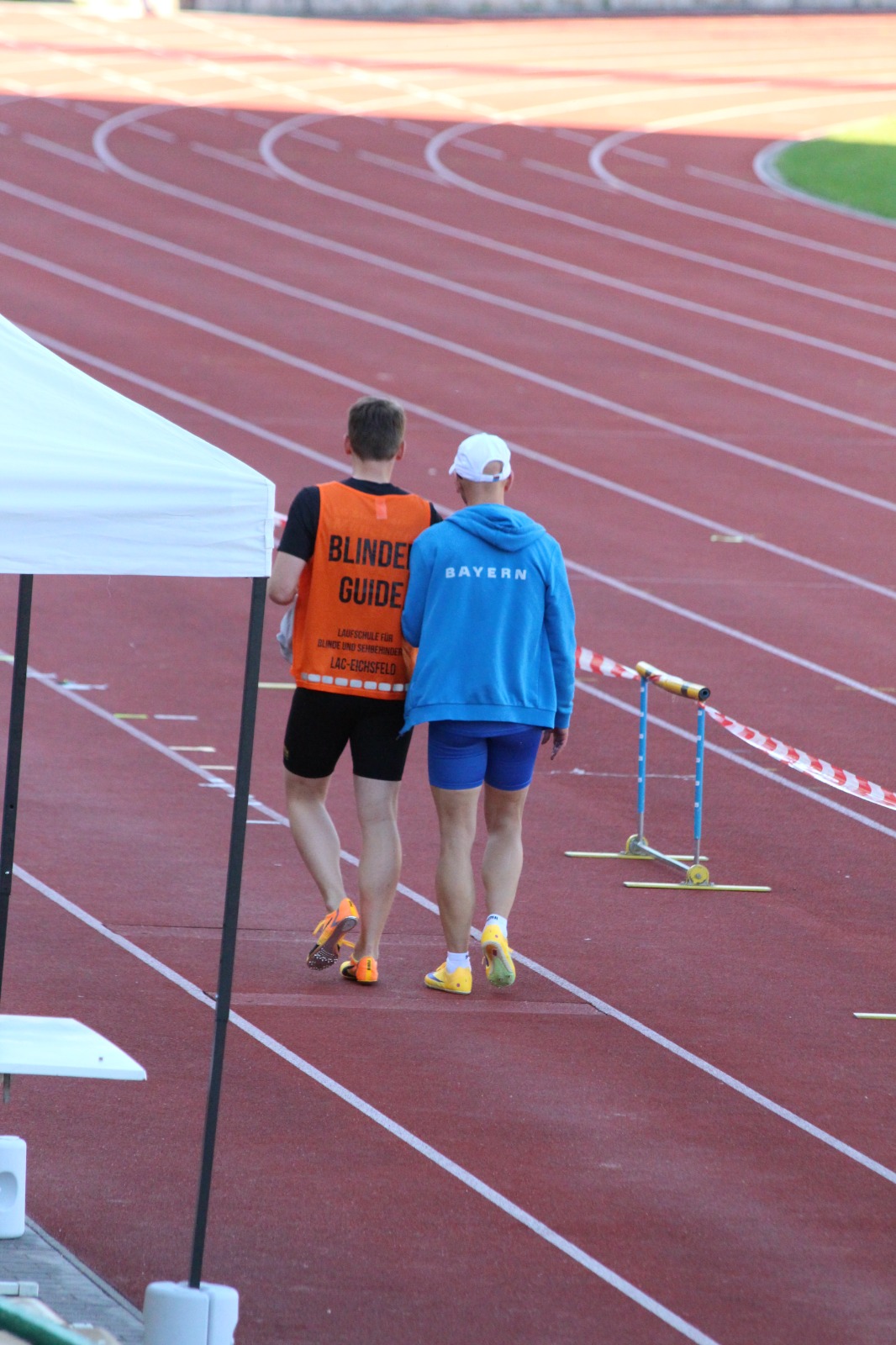
On May 23rd I ran the 400m at the Rolf Watter Sportfest in Regensburg, this time with my guide Sophie. It was almost 30 degrees Celsius and the race didn’t start until around 8:15 pm.

The start went fine. I came out too slowly, though. After 150 metres Sophie noticed that I picked up the pace — that’s not how it should go; the extra speed should have come earlier. The time was 68.09 seconds.

That’s about 0.5 seconds slower than the new personal best from the week before at the Ludwig Jall Sportfest. There’s room to improve for the next race if I go out faster from the start.

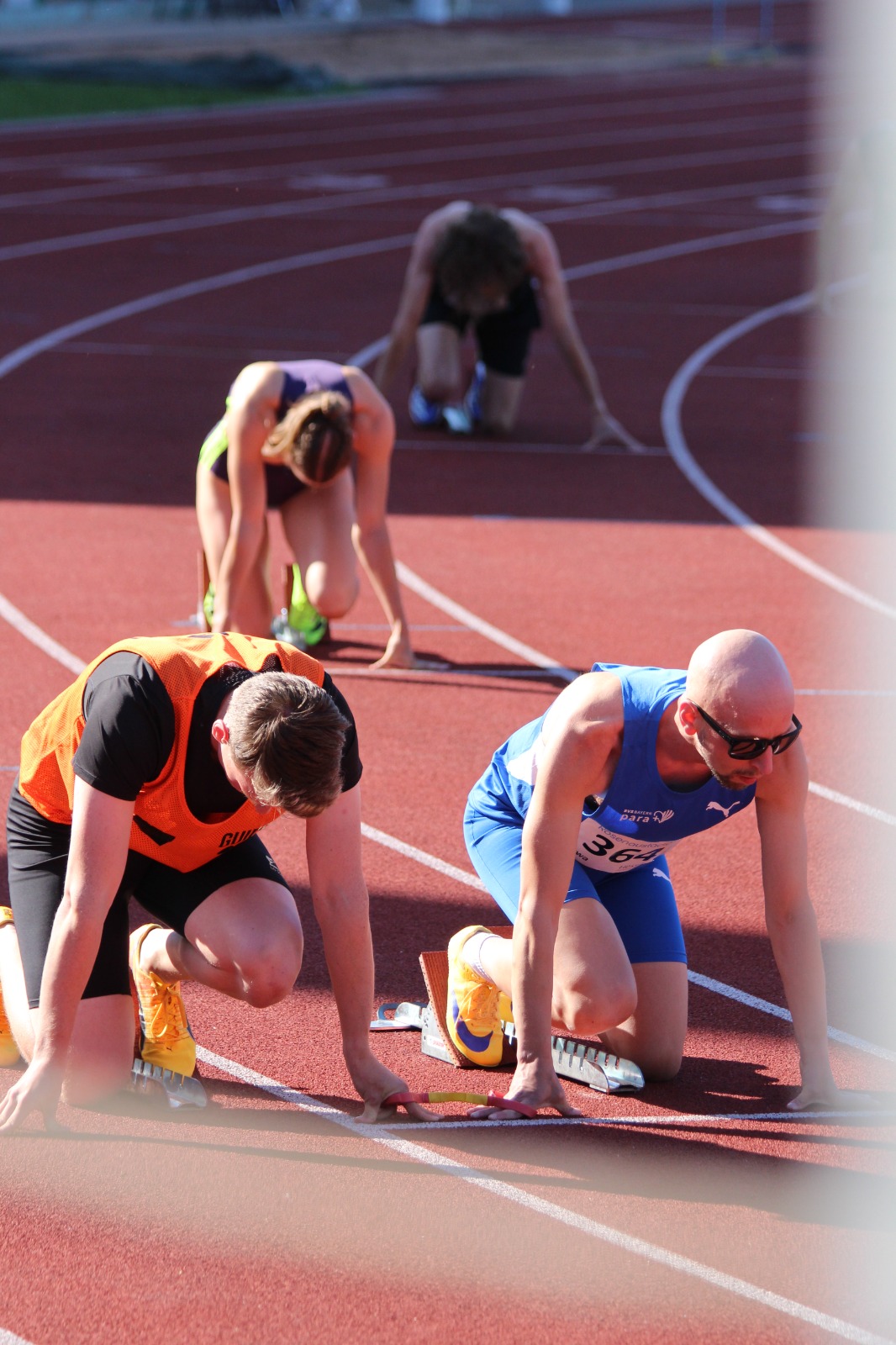
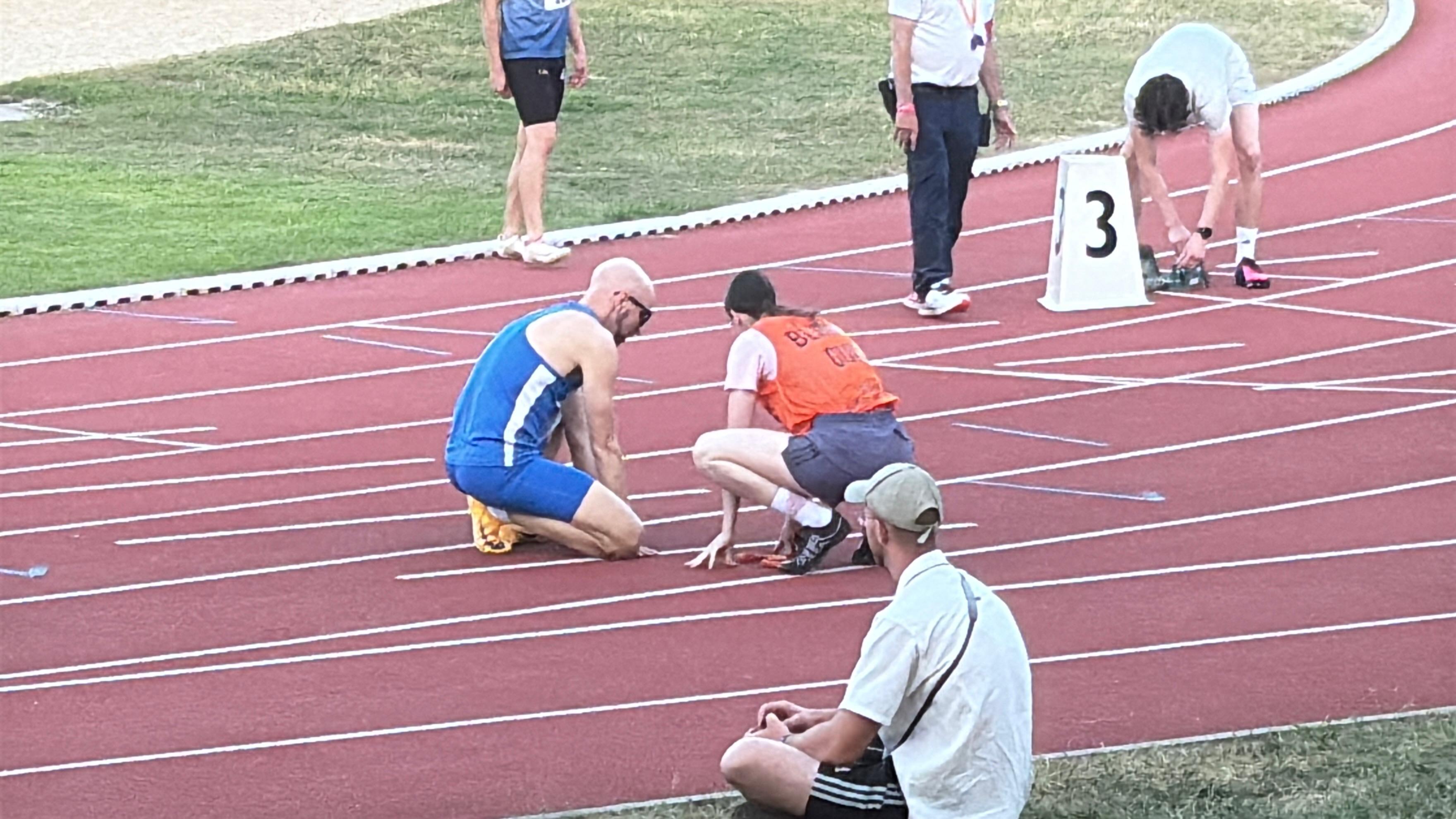
Stefan and guide Sophie in the starting blocks in lane 3, just before the start.

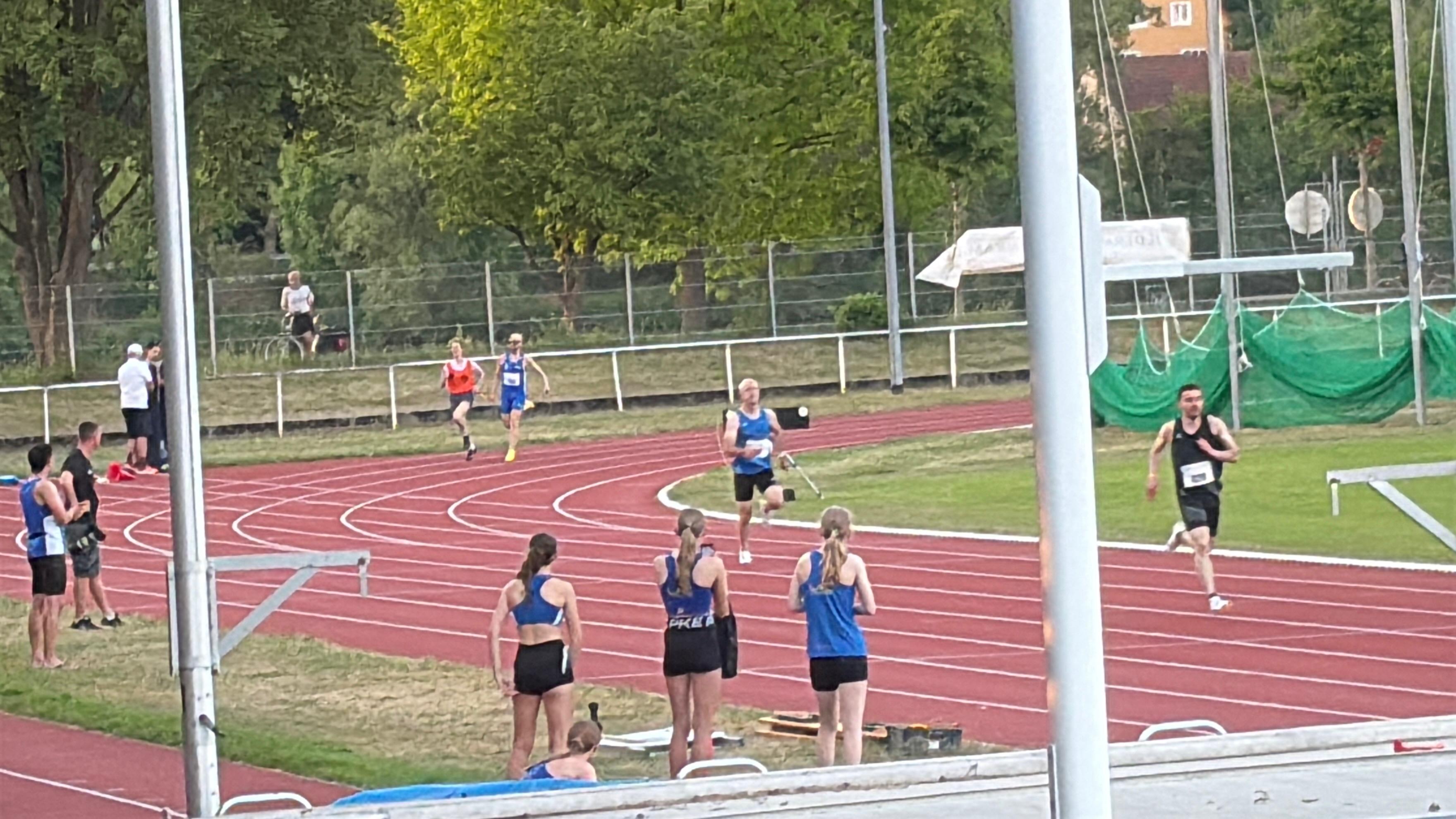
Stefan and Sophie running through the bend, other athletes visible in the background.

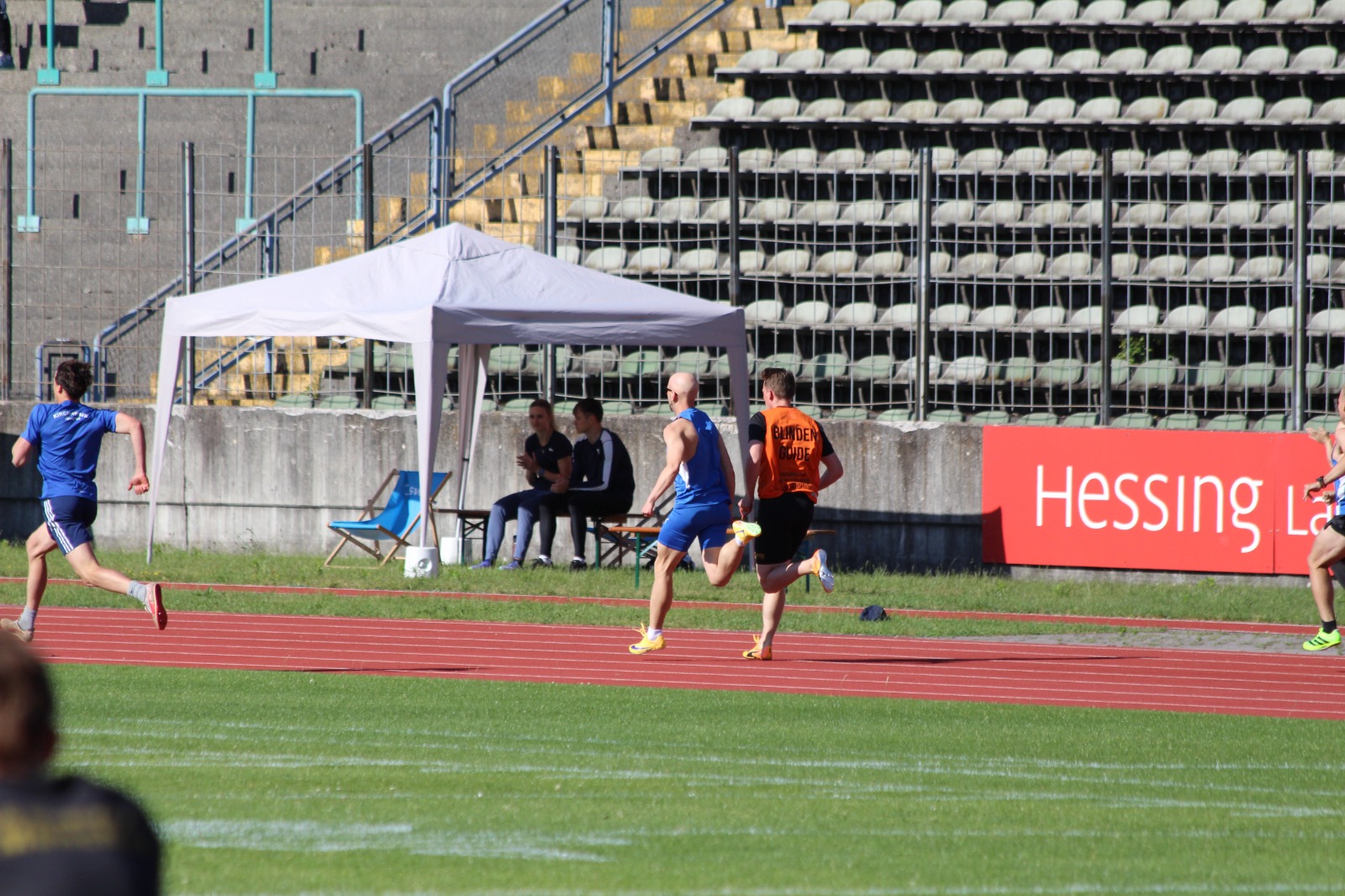
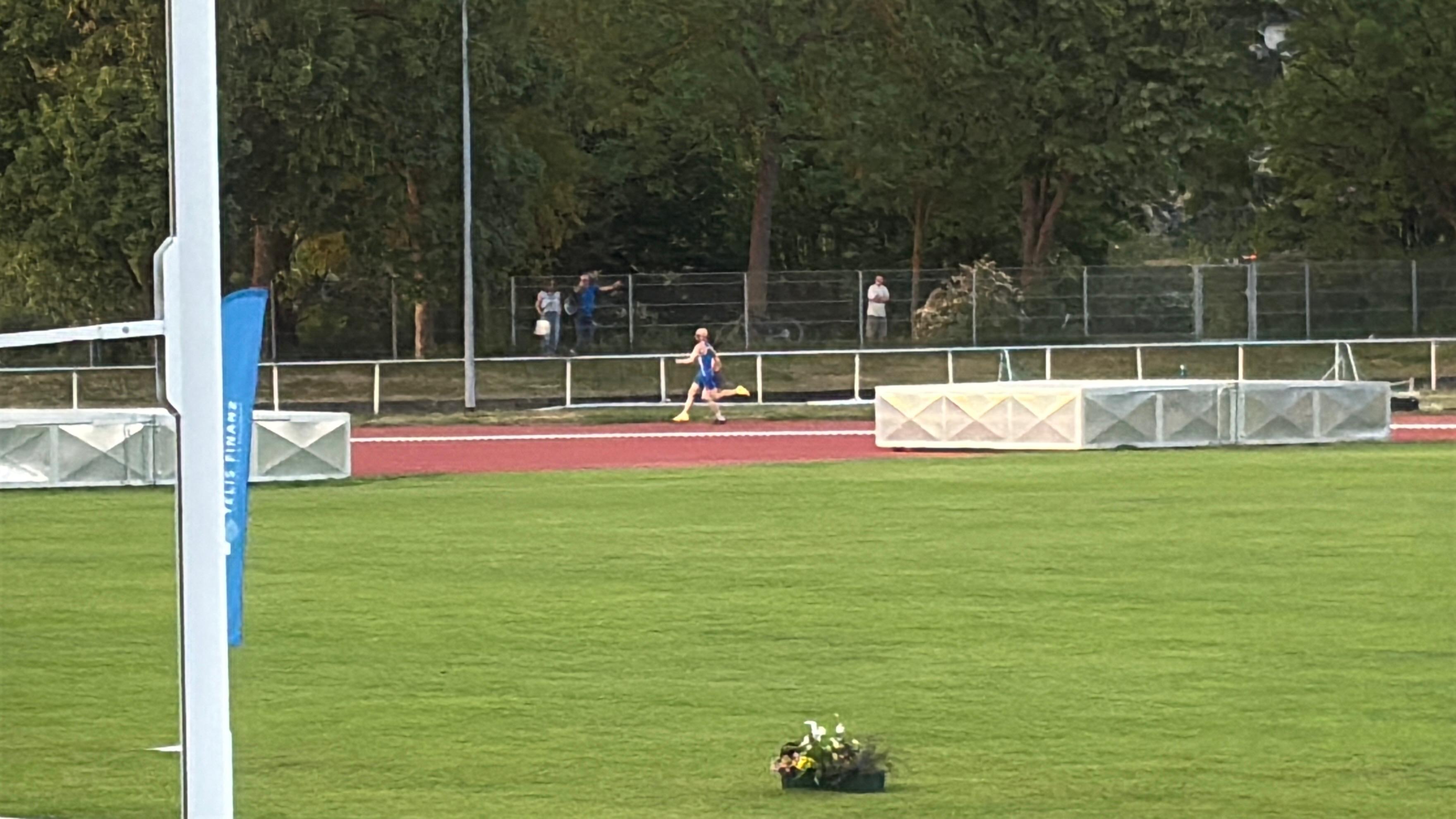
Stefan on the back straight.

Video of the race:


New PB at the 39th Ludwig Jall Sportfest

On May 16th I ran the 400m at the 39th Ludwig Jall Sportfest in the Dante Stadium in Munich. This year the meet was also the Bavarian Para Athletics Championship. Last year I ran the same race in 70.6 seconds (Read more), so the goal was to go faster.

This time I ran with Simon Pieper, the same guide as in Vienna last summer. We had a good warmup and did a few stride progressions to find the pace. The plan was the same as in Vienna: quick out of the blocks, top speed early, then long strides until the end.

The start was good and we held the pace. Time was 67.52 seconds. A new personal best, 0.67 seconds faster than my 68.19s from the German Indoor Championship in February.

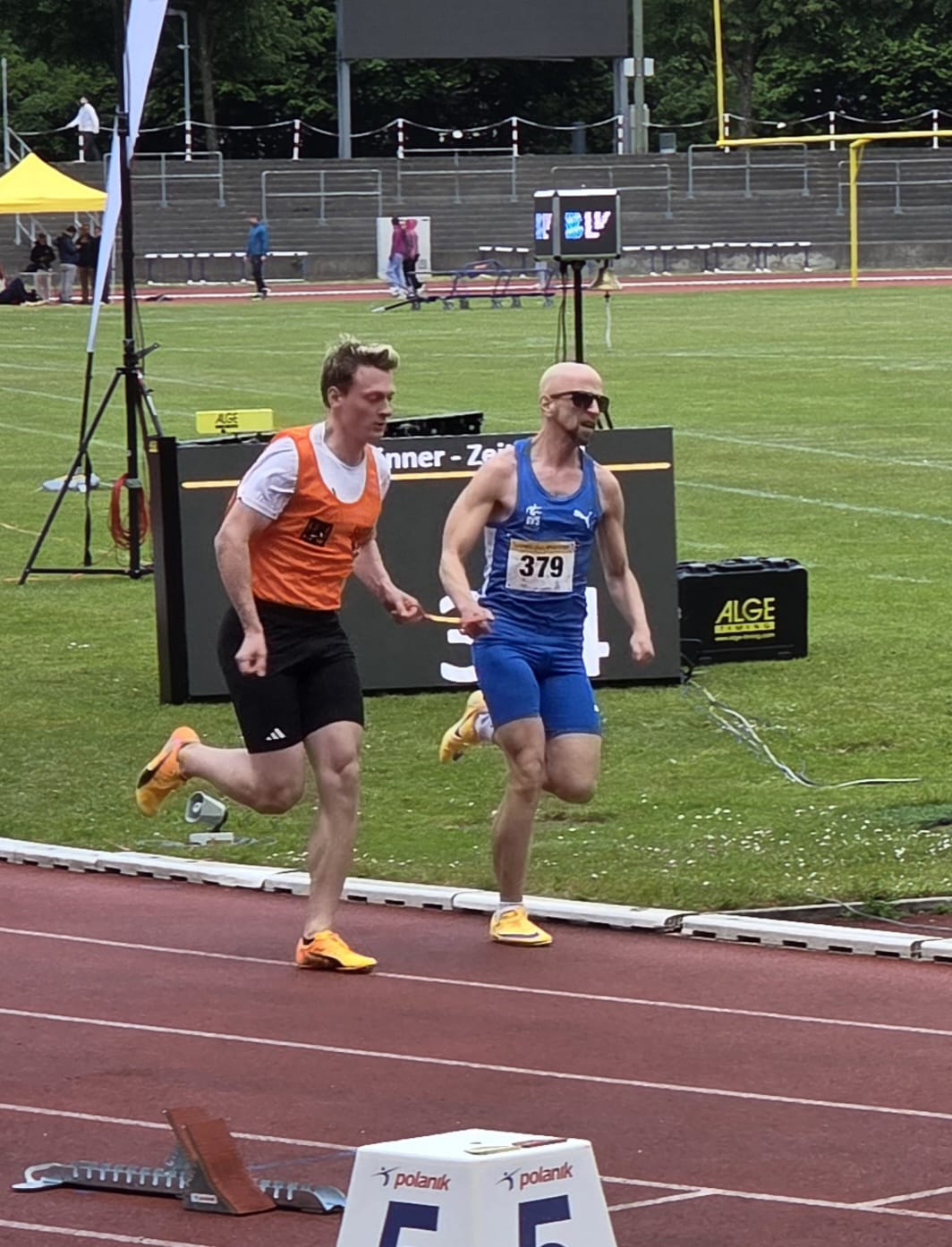
Stefan (bib 379) and guide Simon sprinting out of the blocks on the first straight.

Stefan and Simon running through the bend, viewed from behind.

Stefan and Simon on the home straight, ALGE timing board visible behind them.

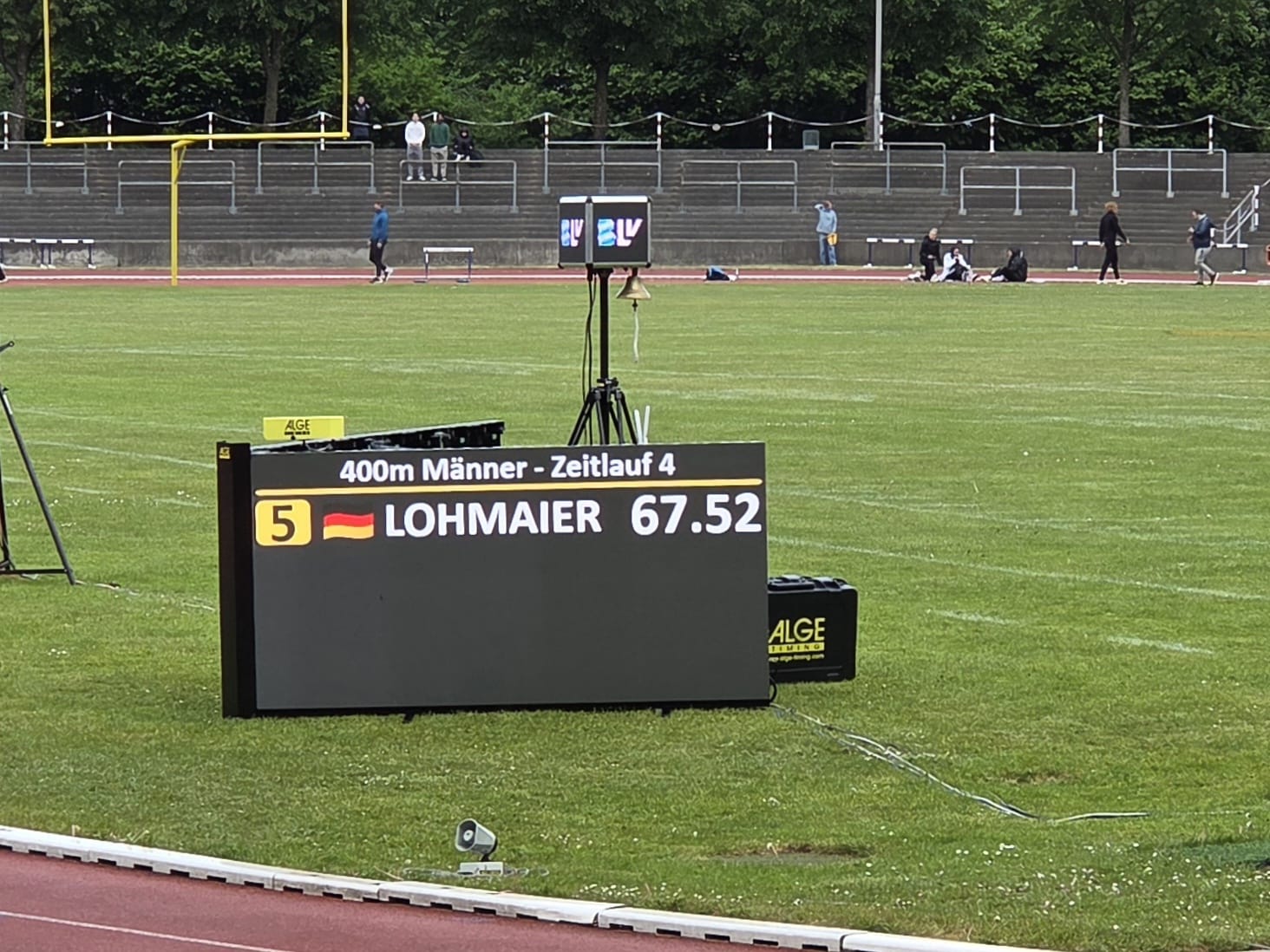
Result display: "400m Männer - Zeitlauf 4, Bahn 5, LOHMAIER 67.52".

Stefan sitting on a bench in his BVS Bayern hoodie with the gold medal around his neck.

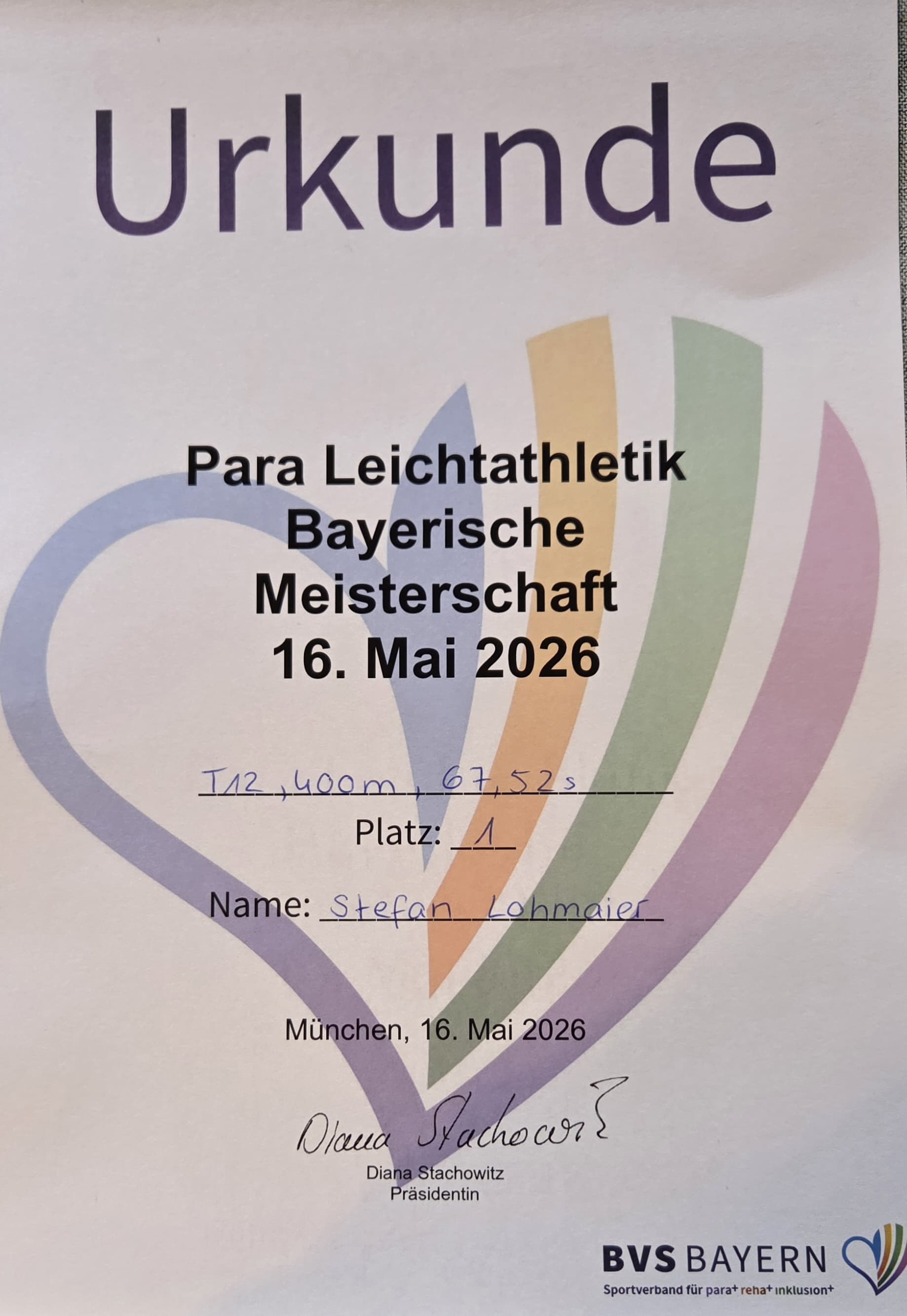
Urkunde: Para Leichtathletik Bayerische Meisterschaft 16. Mai 2026, T12 400m 67.52s, Platz 1, Stefan Lohmaier.

Video of the race:


German Para Athletics Indoor Championship 2026

On February 28, 2026, it was that time again! Indoor championship!

This year I ran the 400m indoors with Simon again. And I set another personal best!

Results list

But I’m not entirely satisfied. The start wasn’t great. I totally overthought it and tried to focus on a low, powerful start. But unfortunately it ended up being more of a stand-up-and-go. After the second corner, I wanted to take it easy for the few downhill steps coming out of the banked curve. But I relaxed a bit too much and couldn’t build the speed back up. My split time at 200m was 31 seconds. I can do that in training after a few brutal tempo runs without spikes from a standing start. So I’ve still got plenty left in the tank for the outdoor season!


LangDetectSpeech: Automatic Language Switching for NVDA

I’ve released LangDetectSpeech, an NVDA addon that automatically detects the language of spoken text and switches to the appropriate synthesizer voice.

Features

  • Lightweight and fast language detection using FastText (supports 176 languages)
  • Automatic voice switching based on detected language
  • Whitelist for languages you want to detect
  • Configurable fallback language

LangDetectSpeech settings panel in NVDA

Tested Synthesizers

The addon works with:

Not working: CodeFactory Eloquence and CodeFactory Vocalizer

Installation

Download the latest release from the GitHub releases page.


NVDA Tip: Enable CAPSLOCK+Arrow Up/Down

By default, Windows reserves CAPSLOCK+Arrow Up and CAPSLOCK+Arrow Down for Narrator, even when Narrator is disabled. This prevents NVDA from using these key combinations, although CAPSLOCK is configured as an NVDA modifier key.

Solution

Add a registry value to disable Narrator’s hotkey interception:

  1. Open the Registry Editor (press Windows+R, type regedit, press Enter).
  2. Navigate to HKEY_CURRENT_USER\Software\Microsoft\Narrator\NoRoam.
  3. Create a new DWORD (32-bit) value named WinEnterLaunchEnabled.
  4. Set its value to 0.
  5. Restart your computer.

Or download and run this registry file: disable-narrator-capslock-hotkeys.reg

After restarting, CAPSLOCK+Arrow Up/Down will be available for NVDA to use.

Tested On

  • Windows 11
  • NVDA 2024.x
All Posts